 Browser extension
MatWeb → ANSYS
Material Converter
Data sheet to ANSYS, in one click.
Open a material on MatWeb, click the toolbar button, press Add to library. The material lands in an ANSYS Engineering Data library, already in SI units. No more copying values by hand.
Add to Chrome ↗Edge ↗Firefox ↗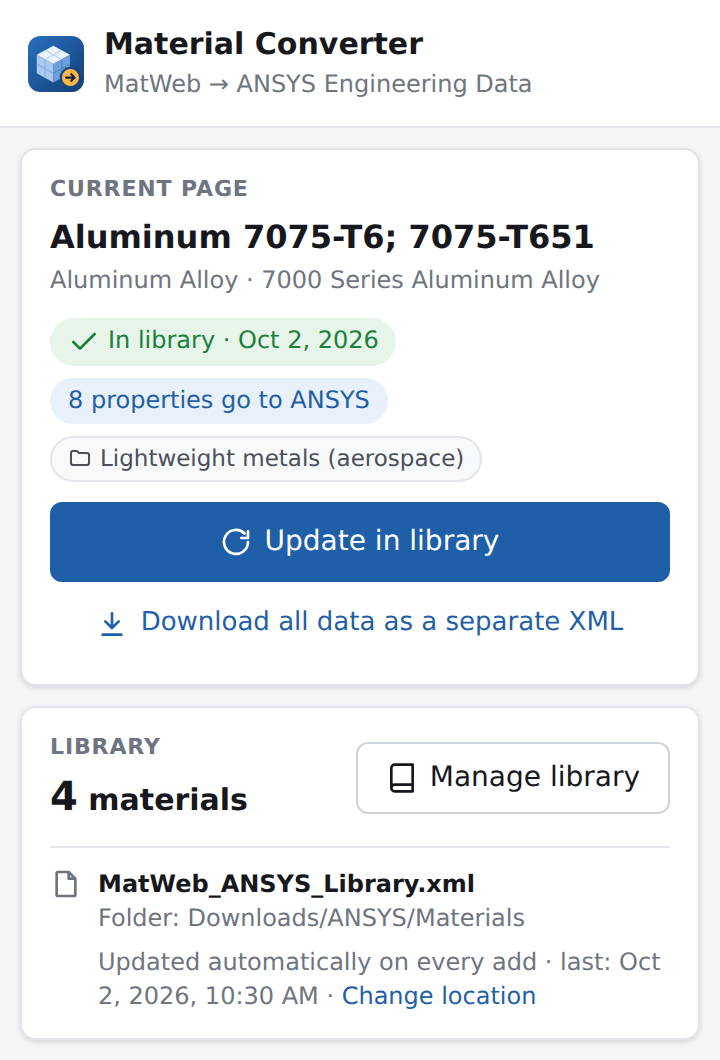
How it works
Copying properties by hand means unit conversions, ranges, temperature tables and typos. Material Converter does all of that for you.
Any material page on MatWeb, like Aluminum 7075-T6 or AISI 4140.
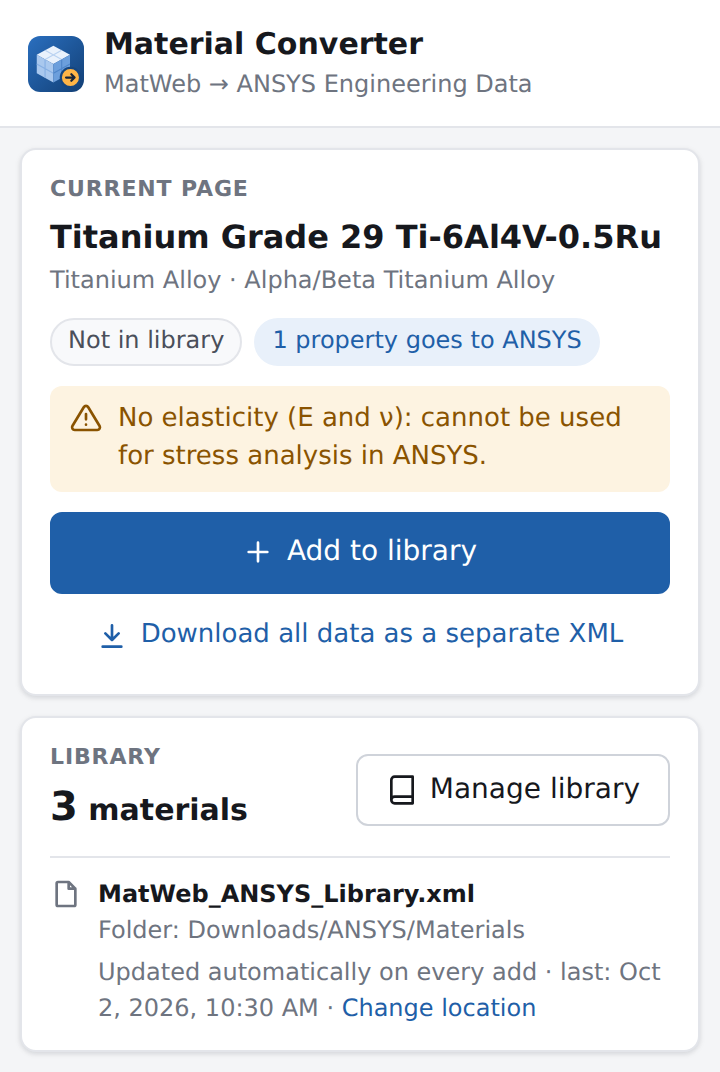
The panel shows how many properties go to ANSYS and warns you if something is missing.
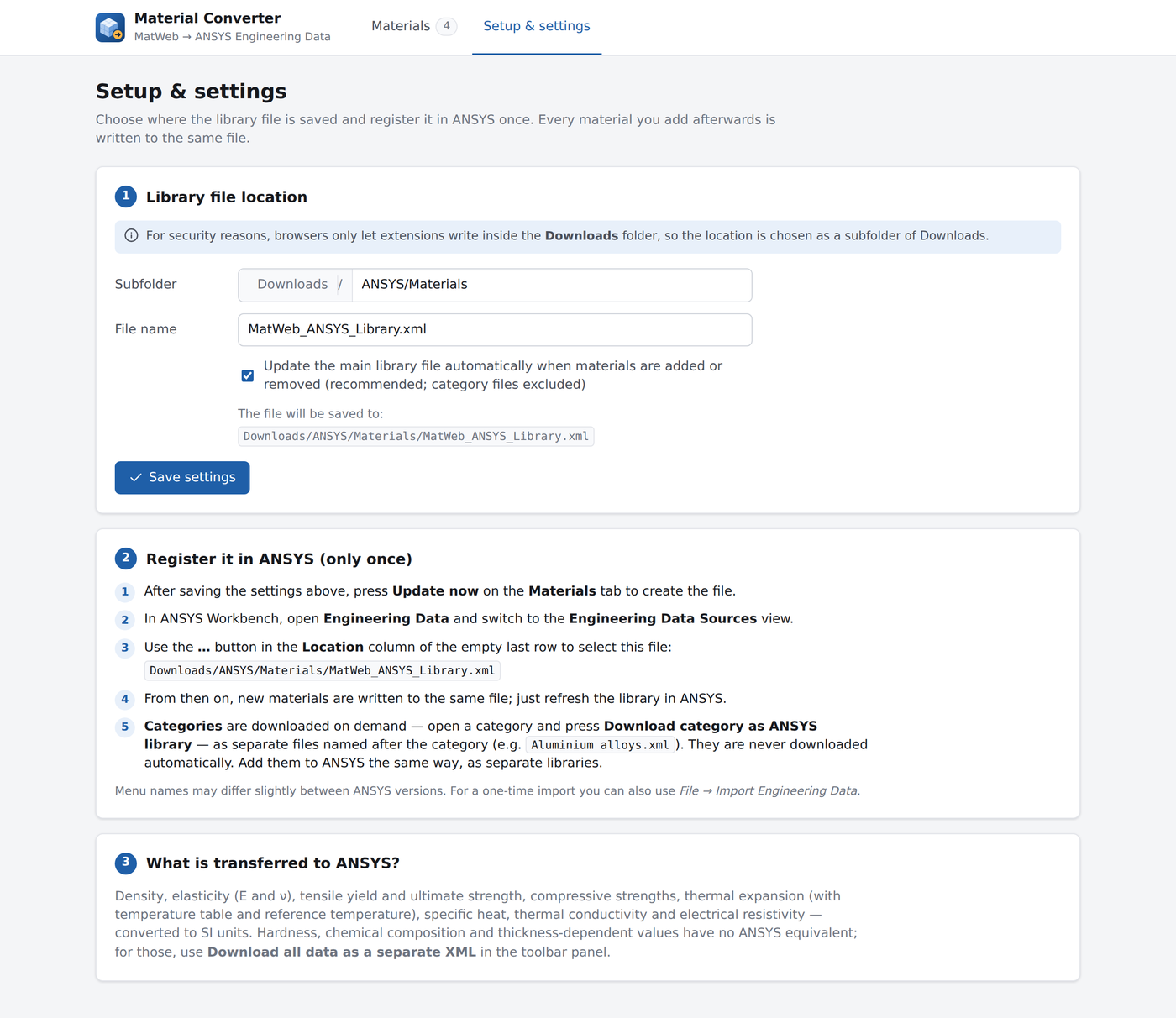
Add the library file under Engineering Data → Engineering Data Sources. Only the first time.
Every new material goes into the same file. Refresh the library in ANSYS and it's there.
What goes to ANSYS
Values are read straight from the page, converted to SI units and written in the Engineering Data format Workbench reads.
| On MatWeb | In ANSYS | Conversion | |
|---|---|---|---|
| Density | → | Density | g/cc → kg/m³ |
| Modulus of elasticity, Poisson's ratio | → | Isotropic Elasticity | ν from the shear modulus if it's missing |
| Tensile yield / ultimate strength | → | Tensile Yield / Ultimate Strength | MPa → Pa |
| Compressive yield / strength | → | Compressive Yield / Ultimate Strength | MPa → Pa |
| CTE, linear | → | Coefficient of Thermal Expansion | "@ 20–100 °C" ranges become a temperature table |
| Specific heat capacity | → | Specific Heat | J/g·°C → J/kg·°C |
| Thermal conductivity | → | Isotropic Thermal Conductivity | W/m·K |
| Electrical resistivity | → | Resistivity | Ω·cm → Ω·m |
One library. Always up to date.
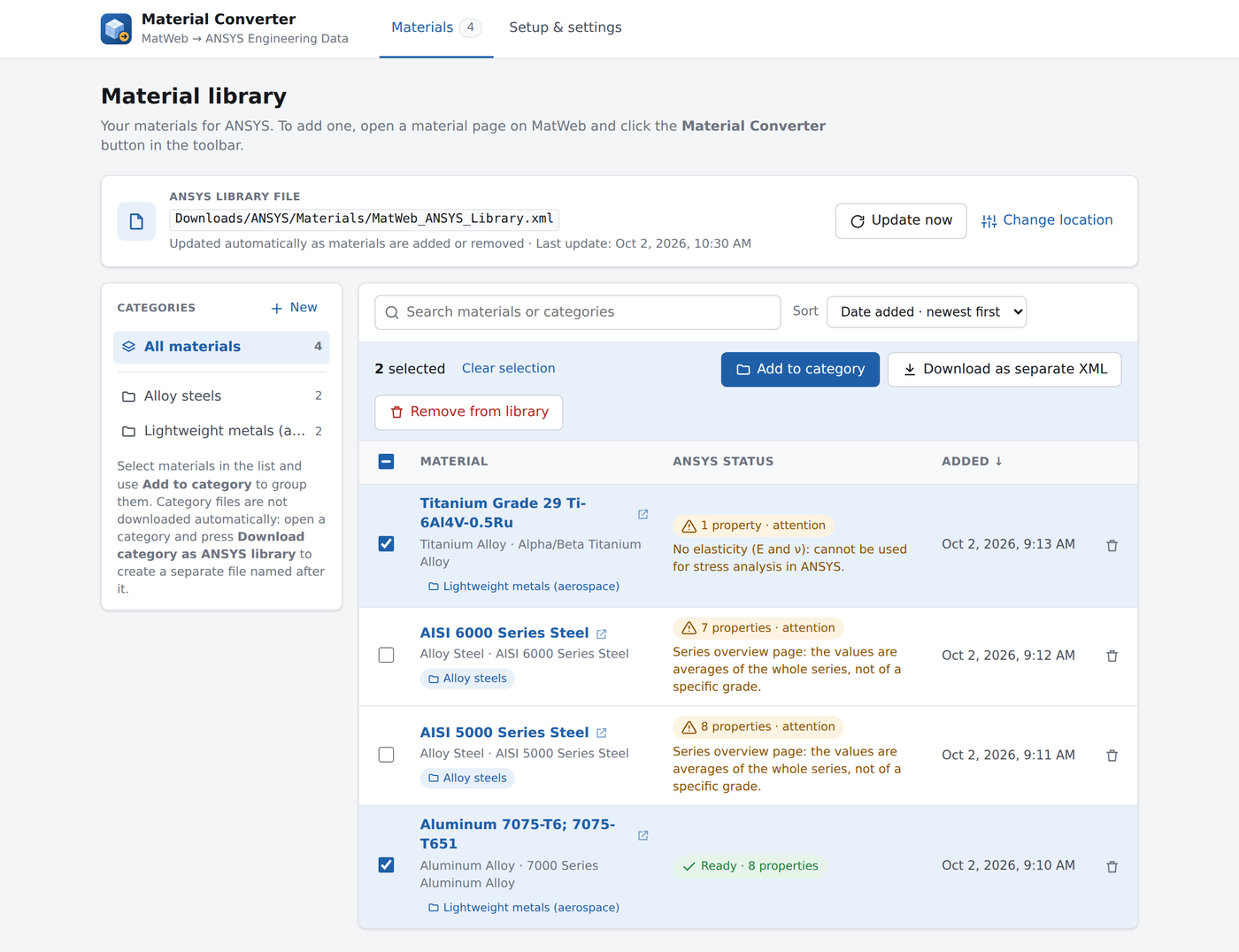
Every material goes into a single file. Register it in ANSYS once; after that, just refresh.
From any MatWeb data sheet, straight from the toolbar.
Rewritten automatically every time you add or remove a material.
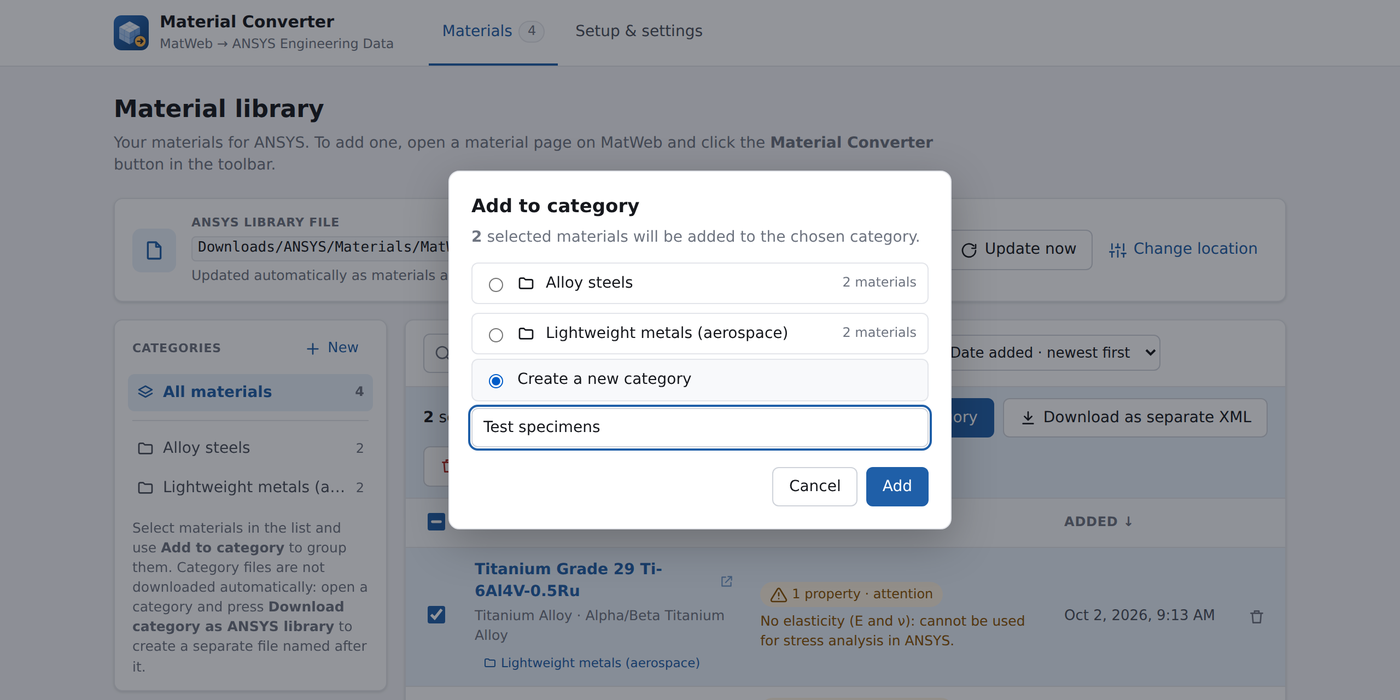
Group materials and download any category as its own ANSYS library.
Missing data and series-average pages are flagged right away.
Search, sort by name, category or date, export a selection.
Hardness, composition and conditional values as a separate detailed XML.
The interface follows your browser's language.
Matches your system theme.
Stays in your browser.
Material Converter doesn't collect or send anything. It all happens on your computer.
Nothing to sign up for. Add it and use it.
Pages are read and converted inside your browser. Nothing is uploaded.
No analytics, no ads. It doesn't watch what you browse.
It reads the page you have open, and only when you press its button.
Browsers only let extensions save files in your Downloads folder, so the library goes into a subfolder you choose, like Downloads/ANSYS/Materials. Privacy policy ↗
Get it.
Free and open source. Pick your browser.
GitHub · Omrndr/Material_Converter ↗Downloads/ANSYS/Materials .MatWeb_ANSYS_Library.xml .Prefer a manual install? Download the zip for your browser from the latest release. Material Converter is an independent project and is not affiliated with, endorsed or sponsored by MatWeb, LLC or ANSYS, Inc. Use the data in line with the source site's terms of use. MIT license.